Supabase CLI - Cannot connect to the Docker daemon
You can install the Docker Desktop on macOS using brew.
brew install docker --caskWhen you run it for the first time, it will ask you to run the osascript.
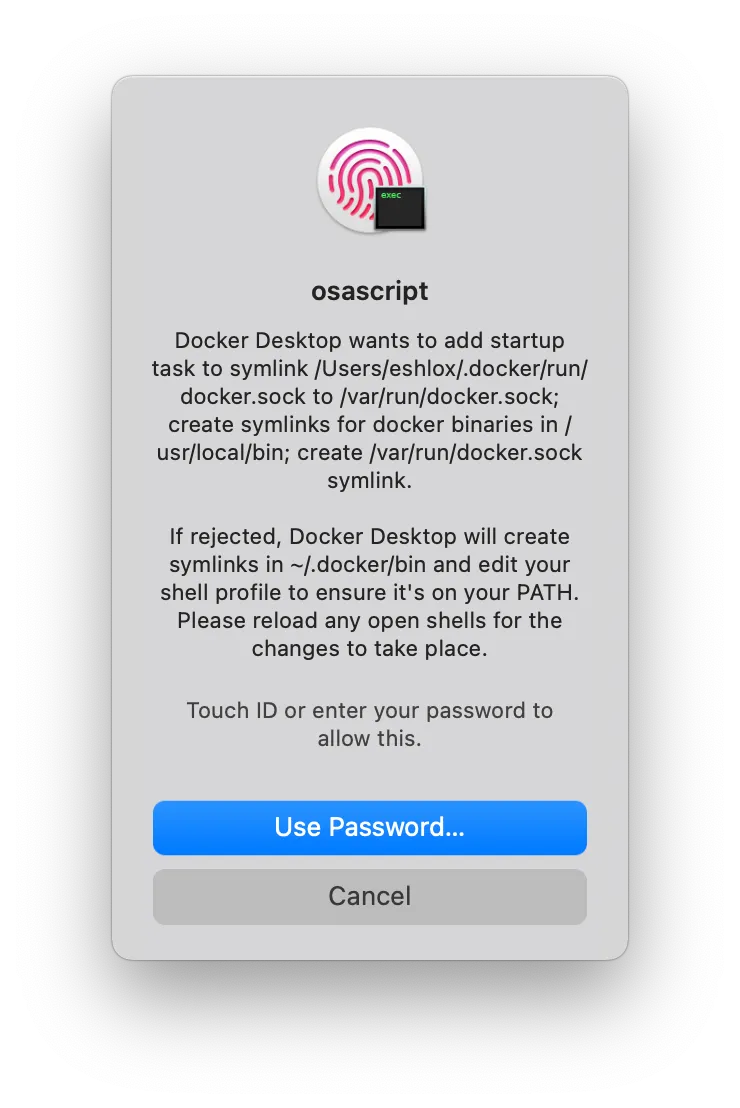
If you don’t want to run it as a root (like me), it will not create symlinks, and the Supabase CLI won’t be able to start the containers.
supabase startError: Cannot connect to the Docker daemon at unix:///var/run/docker.sock. Is the docker daemon running?in github.com/supabase/cli/internal/utils.AssertDockerIsRunning:48in github.com/supabase/cli/internal/start.Run:33Try rerunning the command with --debug to troubleshoot the error.You may set the correct path to the docker.sock in your shell configuration file to fix this issue.
I use zsh, so I added the DOCKER_HOST variable to ~/.zshrc file
Docker added this line during the installation process:
source /Users/eshlox/.docker/init-zsh.sh || true # Added by Docker DesktopYou can add this line right after it:
export DOCKER_HOST=unix://"$HOME/.docker/run/docker.sock"(Remember to restart your shell to apply the new changes.)
Now the supabase start command works as expected!
Spot something wrong?
Found a typo, a broken link, or something that could be better? I would love to hear from you. Drop me a message and I will fix it.