Add Buy Me A Coffee widget to a GatsbyJS site
Buy Me A Coffee has a widget that can be easily integrated with any website.
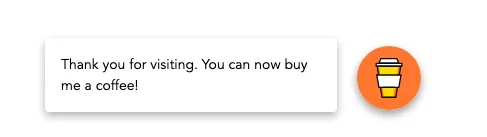
How to generate the widget?
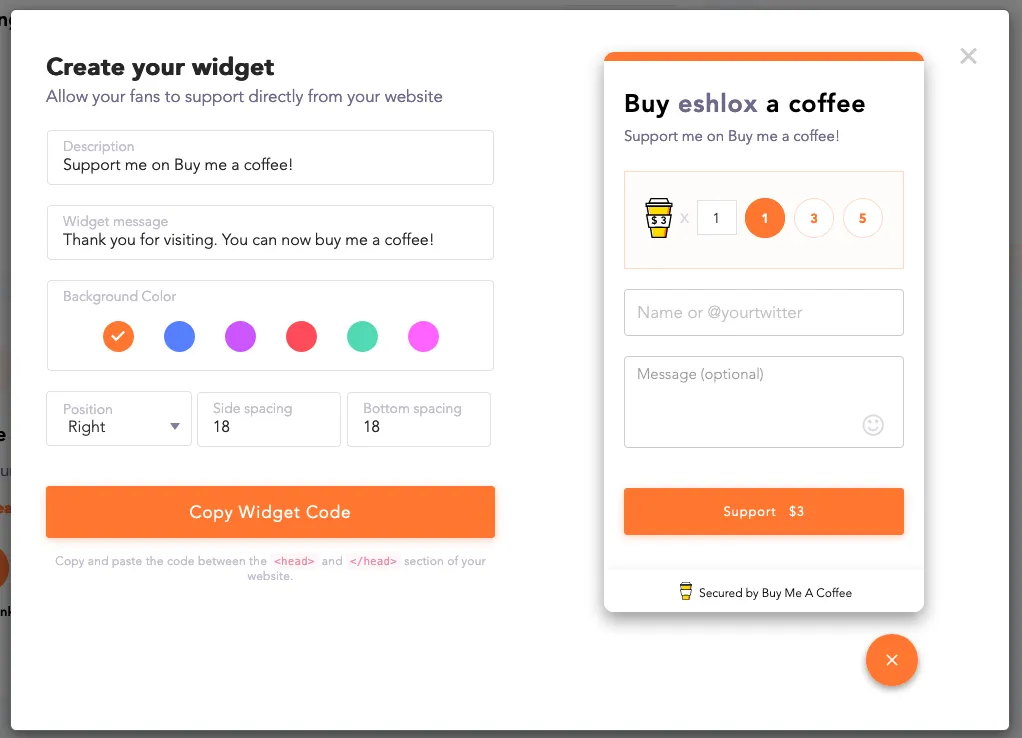
Log in to your account, go to Tools and click Widget generator. Choose your settings and click Copy Widget Code.
Now it’s time to add it to your Gatsby site.
Open or create a file named gatsby-ssr.js in the root of your project. To add the widget, we need to use the onRenderBody function. The code should look like this:
const React = require("react");
exports.onRenderBody = ({ setPostBodyComponents }) => {  setPostBodyComponents([    <script      data-name="BMC-Widget"      src="https://cdn.buymeacoffee.com/widget/1.0.0/prod/widget.prod.min.js"      data-id="eshlox"      data-description="Support me on Buy me a coffee!"      data-message="Thank you for visiting. You can now buy me a coffee!"      data-color="#FF813F"      data-position="right"      data-x_margin="28"      data-y_margin="18"    ></script>,  ]);};
As you can see the script tag contains the widget code copied from the BMAC site.
Restart the development server and the widget should be ready to use!
Spot something wrong?
Found a typo, a broken link, or something that could be better? I would love to hear from you. Drop me a message and I will fix it.